
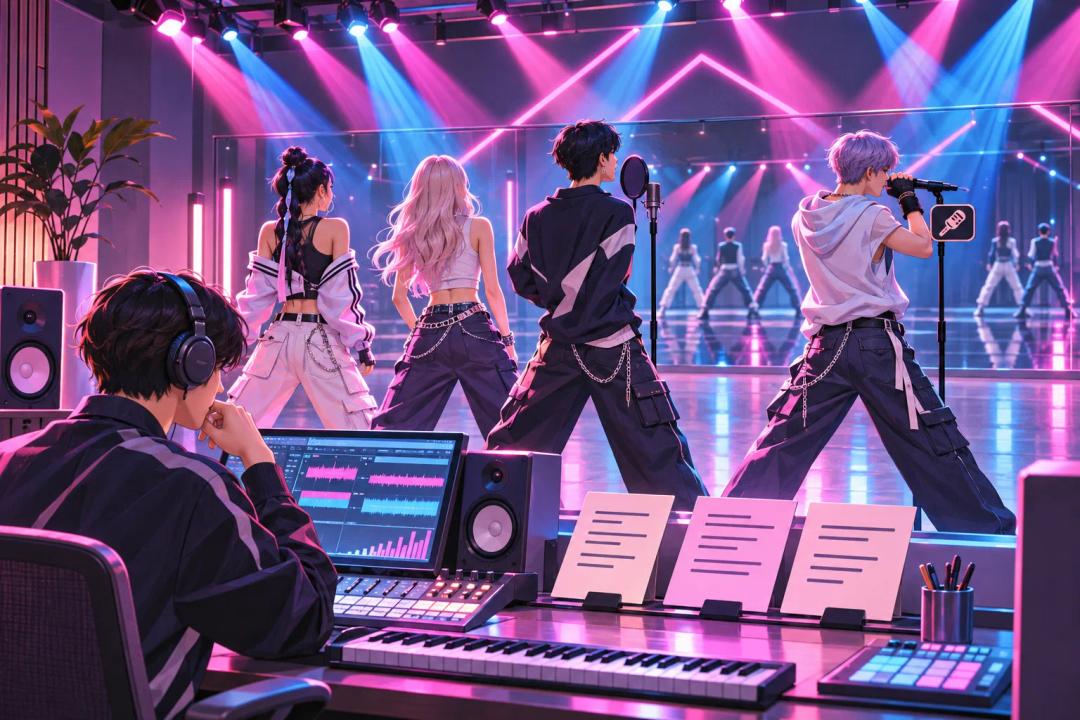
To make a K-pop song with AI, choose Custom mode, add original lyrics with section labels, describe the production you want, set a length, and compare the takes. This guide uses Korean and English lyrics with Suno v6, Mureka 9, and ElevenLabs v2 in RaoMusic.
K-pop is a broad target. A dance-pop track, a vocal-led song with a rap break, and a performance track built around an instrumental hook can all point in that direction. Start with the parts you want to hear, then let the generator make a version you can revise. For more prompt building blocks, see these AI music prompts.
What do you need to make a K-pop song with AI?
Prepare four things before opening a music generator:
- A concept: choose the scene, emotion, and point of view. For this example, the concept is a bright night in a city.
- A lyric map: decide which sections are in Korean, where an English hook appears, and whether the rap is short or central.
- A sound brief: name the energy, drums, synths, vocal arrangement, and the moment where the song should lift.
- A title: a short working title helps you keep the versions together while you compare them.
Use original lyrics or lyrics you have permission to use. A translation that reads naturally on paper can still need adjustment for a sung line.
How do you write the lyrics and structure?
Build the lyrics around sections rather than one uninterrupted block. A verse can establish the scene, a pre-chorus can tighten the focus, and the chorus can carry the phrase people should remember. A rap break, bridge, or dance break is optional; add one only when it serves the concept.
A useful starting outline is:
| Section | Job | Example choice |
|---|---|---|
| Verse 1 | Set the scene | Korean lines about city lights |
| Pre-chorus | Build toward the hook | Shorter lines and rising anticipation |
| Chorus | Repeat the central idea | Korean lines with a short English phrase |
| Verse 2 / rap | Add a new angle or rhythmic change | English-Korean rap contrast |
| Bridge | Change the shape before the ending | Fewer words, then a final chorus |
Put each label on its own line, then write the lyrics underneath it. For example:
[Verse 1]
밤하늘 아래 너와 나
빛나는 도시를 걸어가
작은 약속을 노래해
오늘은 우리만의 밤
[Pre-Chorus]
조금 더 가까이 와
심장이 크게 울려
[Chorus]
Shine tonight, 우리 함께
높이 올라 더 멀리
Shine tonight, 손을 잡아
이 순간을 기억해
Do not fill every section with instructions. Keep the lyric itself separate from the style brief so you can tell whether a musical change came from the words or from the production prompt.
What should you put in the K-pop style prompt?
Describe sound rather than naming a performer. A useful brief can include:
- genre direction: high-energy K-pop dance-pop
- language and vocal plan: Korean verses with an English hook
- arrangement: melodic pre-chorus, short rap break, dramatic bridge
- sonic details: polished synths and punchy drums
- emotional target: confident and uplifting
Here is the style brief used for the examples:
High-energy K-pop dance-pop, Korean verses with an English hook, polished synths, punchy drums, bright group vocals, melodic pre-chorus, short rap break, dramatic bridge, confident uplifting mood.
Keep the brief stable while you compare versions. If you change the lyrics and the sound at the same time, you will not know which change affected the result.
How do you make it in RaoMusic?
- Open RaoMusic Create and choose a Custom form. Custom mode is where you enter your own lyrics and style description.
- Paste your lyrics into the lyrics box, including the section labels.
- Paste the style brief into the style box and add a working title. For a reproducible Suno v6 take, use a 120-second target and female vocals; the ElevenLabs example used 60 seconds.
- Choose a version that fits your budget and access. For these tests, Suno v6 costs 30 credits for two songs and requires a subscription; Mureka 9 costs 20 credits for one song; ElevenLabs v2 costs 40 credits per minute.
- Create the song, listen to each result, and keep notes about the lyric delivery, section changes, and ending.
RaoMusic also exposes other engines and controls. For a language-focused experiment, keep the lyric set and style brief the same, then change one engine at a time. Treat each result as a take.
How did we make the examples?
We wrote one original bilingual lyric set titled Shine Tonight and sent the same lyrics and style brief to Suno v6, Mureka 9, and ElevenLabs v2 in Custom mode. The notes below assess each completed file against the requested lyrics and arrangement. These are file-specific examples, not a ranking of the engines.
Suno v6, take 1
Listening note: The take has the requested dance-pop energy, Korean vocals, and rap break. The English hook is brief, and the bridge becomes an extended instrumental outro here. Regenerate with repeated English hook lines and an explicit sung [Bridge] before the final chorus if that payoff matters.
Suno v6, take 2
Listening note: This take keeps the Korean verses, English hook, and rap break, with bright dance-pop motion. The vocal texture sounds layered rather than like a clearly separated group, and the bridge is not distinct. Keep it for a layered solo texture; regenerate if clear group interplay and a bridge are essential.
Mureka 9
Listening note: This file follows the requested section plan, including the hook, rap break, and bridge. The vocal has noticeable synthetic phasing and a harsh high end. Regenerate with a different vocal brief or try another engine if you need a smoother standalone result; a softer vocal brief is an experiment, not a guaranteed fix.
ElevenLabs v2
Listening note: The 60-second file has bright bilingual dance-pop energy and punchy synths. The rap blends into the singing and the ending cuts off at the target length. Generate a longer version when the final chorus must finish, then check the last section before choosing it.
How do you improve the first version?
- Fix the lyric first. Replace a line that is hard to pronounce or too crowded with shorter wording. Keep the meaning intact.
- Fix one section at a time. If the chorus is weak, change the hook or its line length before rewriting the verse.
- Ask for a clearer contrast. Name the exact change, such as a shorter pre-chorus, a more percussive rap break, or a final chorus after the bridge.
- Keep the same reference. Compare the new take with the old file at the same sections rather than judging only the first 20 seconds.
When a generated song is close but not right, you can also review the multilingual song workflow for another lyric-checking example. A narrower revision usually teaches you more than a completely new brief.
Save the lyric and style versions so you can return to a combination that worked. For a lyrics-first workflow, see how to make a song with your own lyrics.
What should you remember?
Start with an original lyric map, mark the sections clearly, and describe the sound in concrete terms. Korean lyrics and a few English hook lines are one workable direction, not a requirement. Generate more than one take, listen for the sections you asked for, and change one variable before you try again.
Reference lyrics and style brief
Use this complete example when you want to reproduce the test setup. The section labels stay on their own lines.
- Suno v6: Custom mode, 120-second target, female vocal, same lyrics and style brief; the two files returned were 119 seconds each.
- Mureka 9: Custom mode, same lyrics and style brief; the returned file was 130 seconds.
- ElevenLabs v2: Custom mode, 60-second target, same lyrics and style brief; the returned file was 60 seconds.
[Verse 1]
밤하늘 아래 너와 나
빛나는 도시를 걸어가
작은 약속을 노래해
오늘은 우리만의 밤
[Pre-Chorus]
조금 더 가까이 와
심장이 크게 울려
[Chorus]
Shine tonight, 우리 함께
높이 올라 더 멀리
Shine tonight, 손을 잡아
이 순간을 기억해
[Verse 2]
새로운 리듬에 몸을 맡겨
두려움은 모두 던져
너의 목소리 따라가면
어디든 갈 수 있어
[Rap]
Step into the light, we move as one
별빛처럼 번져, never come undone
[Bridge]
멈추지 마, 꿈을 향해
마지막까지 노래해
[Final Chorus]
Shine tonight, 우리 함께
높이 올라 더 멀리
Shine tonight, 손을 잡아
이 순간을 기억해
High-energy K-pop dance-pop, Korean verses with an English hook, polished synths, punchy drums, bright group vocals, melodic pre-chorus, short rap break, dramatic bridge, confident uplifting mood.
Frequently Asked Questions
Add a separate [Dance Break] label and describe the movement or instrumental change in the style brief. Keep the section short so it does not crowd out the final chorus.
Keep the hook short, place it in the chorus, and state that it should remain in English. If the output changes the wording, revise the lyric and generate another take.
Write a separate [Final Chorus] with added lines or ad-libs, then ask for a lift after the bridge. Check the ending because a short target can cut the arrangement.
Try another take with a simpler vocal description, change the engine, or use the file as a draft for a new performance. Choose the version whose vocal is easiest to use in your project.
Songs generated through RaoMusic come with royalty-free commercial usage rights under the RaoMusic license. If you generate directly on another service, check that service’s applicable plan and terms. Use original lyrics or lyrics you have permission to use.