Roblox Music Generator


How can I make free music for my Roblox game that won't get taken down for copyright?
Make your own track instead of uploading a song you found. Describe your game and RaoMusic generates original instrumental music in about a minute, with a commercial license. Roblox only lets you import audio you have the legal rights to, and the license gives you those rights. Each run costs 20 credits, and free accounts get 50 a month. Keep tracks under 7 minutes and 20 MB to fit Roblox's audio limits. Roblox still moderates uploads, so approval isn't guaranteed.
No subscription needed
Start on the free plan with MP3 download. 50 free credits every month.
Licensed for your game
Use the tracks in free or paid Roblox games, game passes and trailers.
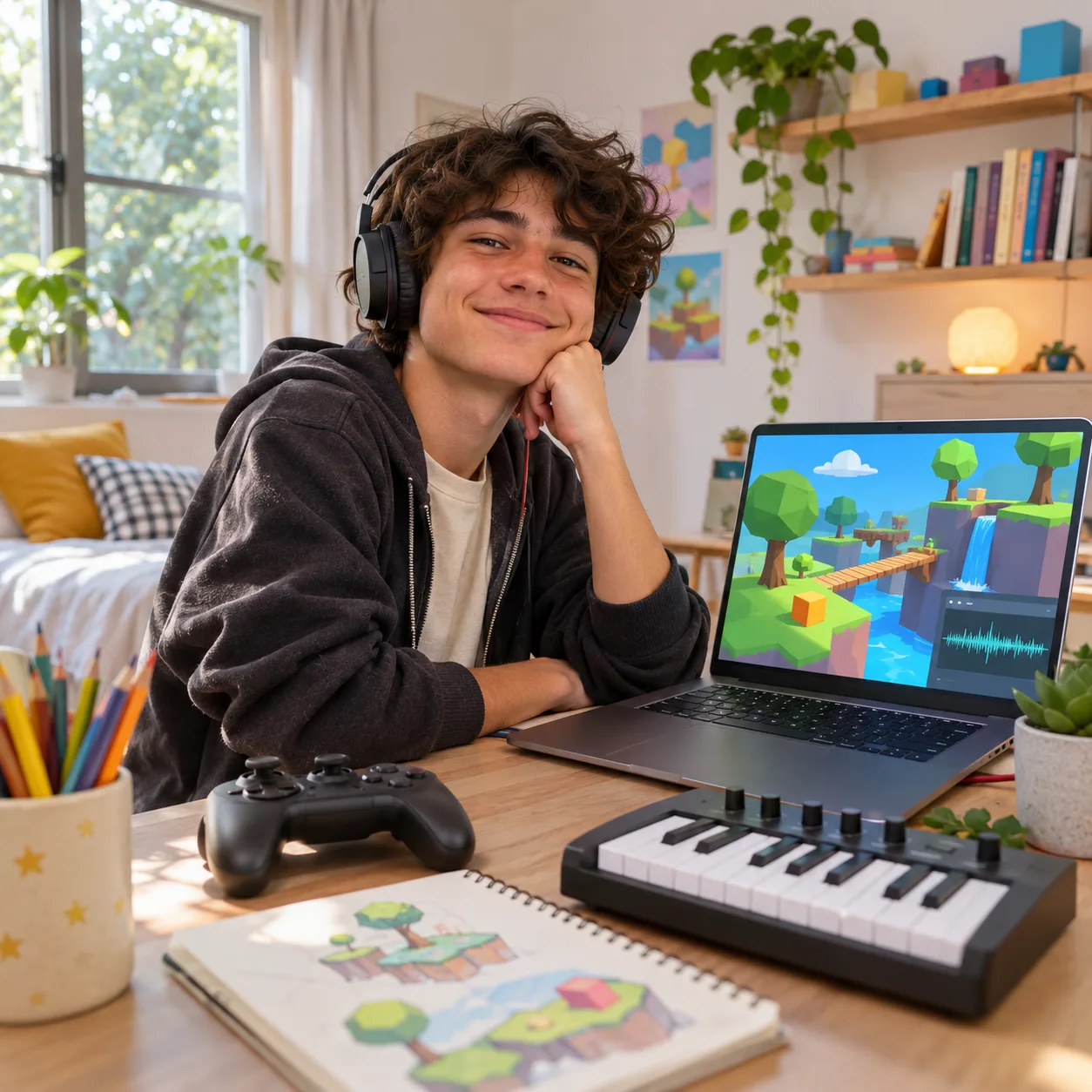
Music made for your game
Roblox music prompts by game type
Click Generate to put a prompt in the form above, then change the game or mood to fit yours. Instrumental is switched on for you.
Background music for a Roblox obby game. Upbeat bouncy synth lead, punchy electronic drums and playful bass, energetic 140 BPM, fun and motivating, steady loop-friendly structure, no vocals
Background music for a Roblox simulator game. Light marimba, ukulele and soft synth pads, cheerful and calm, relaxed 100 BPM, steady loop-friendly structure, no vocals
Background music for a Roblox tycoon game. Funky upbeat groove with slap bass, bright keys and claps, positive and busy, 115 BPM, steady loop-friendly structure, no vocals
Background music for a Roblox horror game. Low drones, eerie music box, distant metallic hits and tense strings, slow and unsettling, no big ending, no vocals
Battle music for a Roblox tower defense game. Driving drums, aggressive synth bass and heroic brass, intense 150 BPM, steady loop-friendly structure, no vocals
Lobby music for a Roblox hangout or roleplay game. Chill lo-fi beat with warm Rhodes, soft vinyl texture and mellow bass, 85 BPM, relaxed, steady loop-friendly structure, no vocals
AI music vs the Roblox Creator Store vs royalty-free libraries
The Creator Store is free and already cleared for Roblox, but other games use the same tracks. AI music gives you tracks made for your game.
| Feature | RaoMusic | Roblox Creator Store | Royalty-free music sites |
|---|---|---|---|
| Cost | Credits per song; free plan available | Free | Free or paid, depends on the site |
| Music unique to your game | Yes, made for you | No, shared with other games | No, shared |
| Matches your game's mood | You describe it | Search and pick | Search and pick |
| Upload needed | Yes, as your own audio | No, already in Studio | Yes |
| Rights for Roblox use | Commercial license included | Cleared for Roblox | Check each site's license |
Cost
- RaoMusic:Credits per song; free plan available
- Roblox Creator Store:Free
- Royalty-free music sites:Free or paid, depends on the site
Music unique to your game
- RaoMusic:Yes, made for you
- Roblox Creator Store:No, shared with other games
- Royalty-free music sites:No, shared
Matches your game's mood
- RaoMusic:You describe it
- Roblox Creator Store:Search and pick
- Royalty-free music sites:Search and pick
Upload needed
- RaoMusic:Yes, as your own audio
- Roblox Creator Store:No, already in Studio
- Royalty-free music sites:Yes
Rights for Roblox use
- RaoMusic:Commercial license included
- Roblox Creator Store:Cleared for Roblox
- Royalty-free music sites:Check each site's license
How to make music for your Roblox game
Three steps from idea to Roblox Studio.
- 1
Describe your game
Replace "a Roblox obby game" at the start of the description with your game, or click Generate on one of the prompts below.
- 2
Generate and pick
You get two versions in about a minute. Make a few more for your lobby, levels and boss fights.
- 3
Upload to Roblox Studio
Download the MP3, import it with the Asset Manager in Roblox Studio or on the Creator Dashboard, and use its asset ID in your game.
When to use the Roblox music generator
Use it when you want music that's made for your game and that no other game has. Use the Creator Store when any decent free track will do.
Best for
- ✓Obby, simulator, tycoon, horror and tower defense games
- ✓Lobby, level and boss fight music
- ✓Developers who want their game to sound different
Not for
- !Copies of popular songs or other games' music
- !Tracks longer than 7 minutes (Roblox's limit)
- !Short sound effects (use the game sound effect generator)
Why Roblox developers make their own music
Roblox only lets you import audio you have the legal rights to, and uploads go through moderation. Songs ripped from YouTube or streaming services are the usual reason audio gets rejected or removed. The free Creator Store is safe, but many other games use the same tracks.
A track you generate on RaoMusic is new, so it isn't a copy of a released song, and it comes with a royalty-free commercial license that covers free and paid games, game passes, trailers and streams. Roblox still moderates uploads and decides what to approve, so keep your generation history, and your license certificate if you subscribe.
For the best result, name the game type and the moment the music plays, ask for a steady, loop-friendly track with no big ending, and keep vocals off for background music. Roblox accepts MP3, OGG, WAV or FLAC files under 20 MB and 7 minutes. ID-verified accounts can upload 2,000 audio files every 30 days, and unverified accounts 100.
Roblox music generator FAQ
Yes, as long as you have the rights to it. Songs you generate on RaoMusic come with a royalty-free commercial license, including on the free plan, so you can upload them to Roblox and use them in your games. Roblox moderates uploads, so approval isn't guaranteed.
Takedowns usually happen when an upload matches a released song. A track generated on RaoMusic is new and isn't a copy of a released song. Still, Roblox moderates uploads and can remove audio later after a copyright claim, so we can't guarantee approval. Don't upload covers or remixes of other people's songs.
Yes. The commercial license covers free and paid games, game passes, developer products, trailers and streams. You don't need to credit RaoMusic or pay royalties.
Roblox accepts audio up to 7 minutes and 20 MB. The default model makes tracks of about two to four minutes. Longer models can make up to 10 minutes, so keep longer tracks under 7 minutes for Roblox.
Download the MP3 and import it with the Asset Manager in Roblox Studio or on the Creator Dashboard. Once it passes moderation, set its asset ID as the SoundId of a Sound object in your game. Audio is private by default; you can grant access to your experiences.
Each run on the default model costs 20 credits and gives you two versions. Free accounts get 50 credits every month. Uploading to Roblox is free within Roblox's limits: 2,000 audio files per 30 days for ID-verified accounts and 100 for unverified accounts.
Yes. For jumps, coins, explosions, UI clicks and other short sounds, use the game sound effect generator, which also has a seamless loop option.
Ask for a steady, loop-friendly track with no big ending. Generated tracks usually still end with an outro, so trim the end before uploading and turn on the Sound's Looped property in Roblox Studio. Listen to the join and move the cut point if you hear a jump.
No. Roblox is a trademark of Roblox Corporation. RaoMusic is an independent AI music tool, and this page explains how to use it for Roblox games.
Songs made on Suno's free plan can't be used commercially, so they're a risk in a game that earns Robux. On RaoMusic, the free plan includes commercial use.
Related tools
Make music for your Roblox game
Describe your game and get original tracks ready for Roblox Studio. Sign in to get started.