Add Vocals to Instrumental

How do you add vocals to an instrumental with AI?
Upload your instrumental (MP3, WAV and other common formats up to 50MB) or pick one from your RaoMusic library. Write the lyrics, describe the vocal style, and optionally choose a male or female voice. AI sings over your track and returns two versions in about a minute. It works on the free plan: free accounts get 50 credits every month, and one run on the default model costs 20 credits.
No subscription required
Works on the free plan, MP3 download included. 50 free credits every month.
Commercial use included
Commercial use included, even on the free plan.
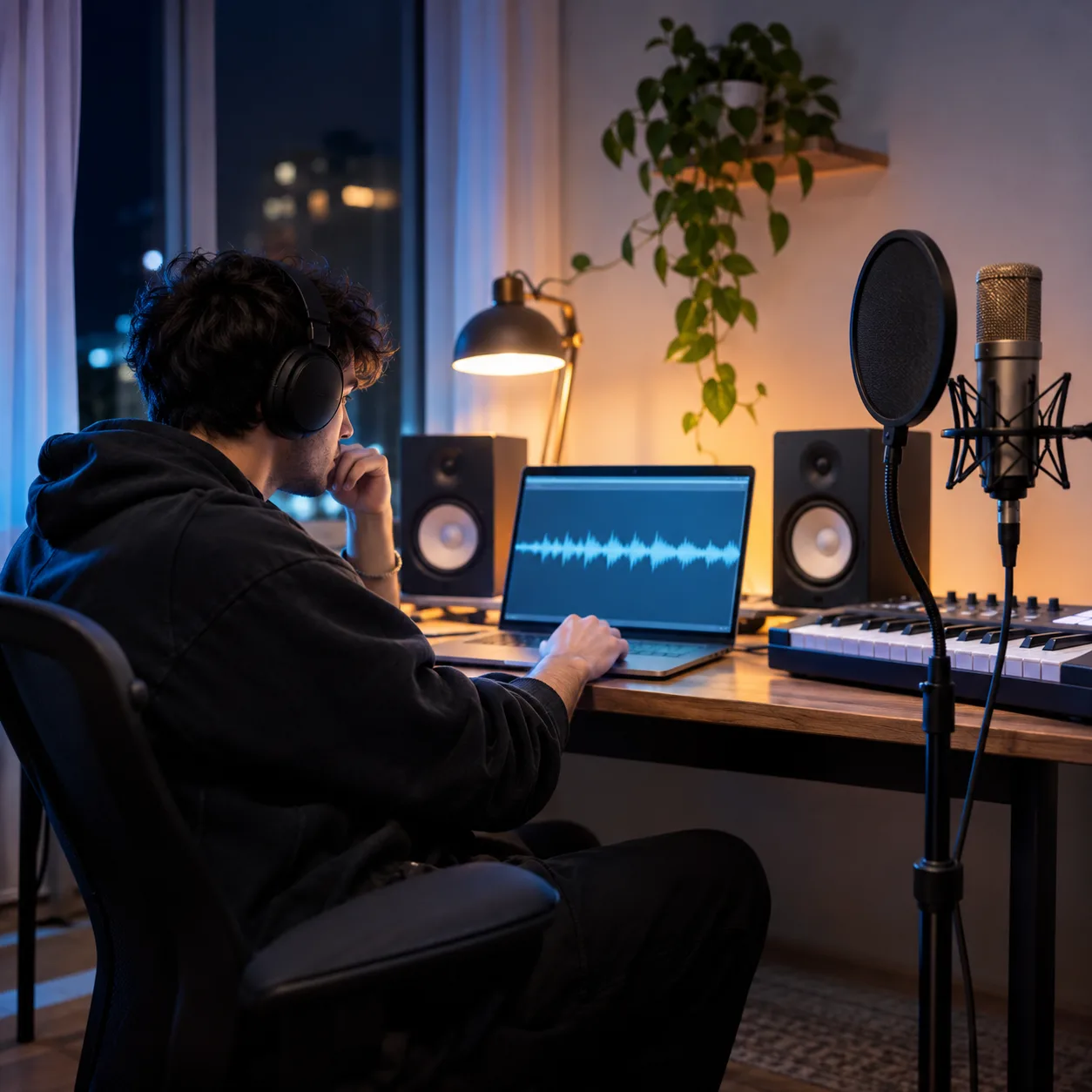
Turn a beat into a finished song
AI vocals vs hiring a singer vs a new song from a prompt
Adding vocals keeps your beat and puts a voice on it. Hiring a singer takes longer and costs more. Generating from a prompt starts a different track.
| Feature | Add vocals with AI | Hire a singer | Generate from a prompt |
|---|---|---|---|
| Starting point | Your instrumental and lyrics | Your instrumental and lyrics | A text prompt, not your beat |
| Turnaround | About a minute | Days to weeks | About a minute |
| Takes to compare | Two per run | Depends on the session | Two per run on the default model |
| Uses your beat | Yes | Yes | No |
Starting point
- Add vocals with AI:Your instrumental and lyrics
- Hire a singer:Your instrumental and lyrics
- Generate from a prompt:A text prompt, not your beat
Turnaround
- Add vocals with AI:About a minute
- Hire a singer:Days to weeks
- Generate from a prompt:About a minute
Takes to compare
- Add vocals with AI:Two per run
- Hire a singer:Depends on the session
- Generate from a prompt:Two per run on the default model
Uses your beat
- Add vocals with AI:Yes
- Hire a singer:Yes
- Generate from a prompt:No
How to add vocals to an instrumental
Three steps from a beat to a full song, with no singer or studio needed.
- 1
Upload or choose an instrumental
Sign in, then upload a beat or pick an instrumental from your library. Common formats up to 50MB work.
- 2
Add lyrics and a vocal style
Write the lyrics, describe how the vocals should sound, and optionally pick a male or female voice.
- 3
Generate, preview, download
Generate, compare the two versions in your library, and download the MP3.
When to add vocals with AI
Use it to hear a full song over a beat you already have. Skip it when you need a specific real singer or a radio-ready vocal mix.
Best for
- ✓Producers testing a topline over a beat
- ✓Songwriters turning lyrics and a backing track into a demo
- ✓Creators who have an instrumental but no singer
Not for
- !Cloning a specific real artist's voice
- !Instrumentals of copyrighted songs you don't have rights to
- !Sample-accurate vocal editing in a DAW
How AI adds vocals to your instrumental
Producers use it to hear a topline over a beat before booking a singer, songwriters use it to turn lyrics and a backing track into a demo, and creators use it as an AI singer for their song when they have an instrumental but no vocalist. Because you can upload your own file, the beat does not have to come from RaoMusic.
The AI writes a vocal melody that follows the key, tempo and sections of your instrumental, then sings your lyrics over it. The result is a new render of the whole track, so expect the arrangement to stay close to your beat rather than sample-identical.
For the best result, upload a clean instrumental with no existing vocals, mark sections with [Verse] and [Chorus] so the vocal lines up with the structure, and keep the lyric length realistic for the length of the track. If a take doesn't fit, adjust the style or lyrics and generate again.
Add vocals to instrumental FAQ
On the default model, each run costs 20 credits and gives you two versions. Premium versions such as Rao v2.0 and Suno v6 cost 30 credits and need a subscription. Free accounts get 50 credits every month, and failed generations are refunded.
Yes. Adding vocals works on the free plan without a subscription. Free accounts get 50 credits every month, enough for two runs (four versions) on the default model.
MP3, WAV, OGG, M4A, FLAC and AAC, up to 50MB. The file must have a readable duration; a damaged or empty file is rejected before upload.
Yes. Lyrics are required, so the AI sings exactly the words you write. Mark sections with tags like [Verse], [Chorus] and [Bridge] to guide where each part goes.
Yes. Pick male or female in the advanced options, and describe the vocal style in the style field, for example "soft breathy female vocals" or "gritty male rock vocals".
Yes, if the instrumental is one you made on RaoMusic: the song with added vocals can be used commercially, even on the free plan. If you upload your own beat, you need the rights to it, and no license certificate is issued for songs built on uploads. See the commercial license page for the full terms.
Uploads that match a copyrighted recording are blocked before any credits are charged. Use a beat you made, bought a license for, or generated on RaoMusic.
It keeps it close: the vocals follow your track's key, tempo and structure. Because the output is a new render of the whole song, small changes to the arrangement can happen. Each run gives two versions, so pick the one that stays closest.
On Suno, Add Vocals is a Pro and Premier feature, and commercial use requires a paid plan. On RaoMusic, adding vocals works on the free plan, you can download the MP3 without a subscription, and songs built on instrumentals you made here can be used commercially even on the free plan. For an uploaded beat, you need the rights to it on either service.
Yes. MP3 downloads work on every plan, including free, with no paywall on the download. Lossless WAV export needs a subscription.
Related tools
Add vocals to your instrumental
Upload a beat or pick one from your library, write the lyrics, and let AI sing it. Sign in to get started.