AI Album Cover Generator
Describe your cover
Reference image (optional)0/16
Title
Artist
Aspect ratio
Resolution
Style
What Is an AI Album Cover Generator?
An AI album cover generator creates cover artwork for songs from a text prompt. RaoMusic designs polished, square streaming-ready covers in styles like cinematic, anime, or photoreal, downloadable as high-resolution images for Spotify, YouTube, or any release.
Free to Start
Make covers free with 50 signup credits—no subscription required.
High-Resolution
Download polished covers ready for Spotify, YouTube, and any release.
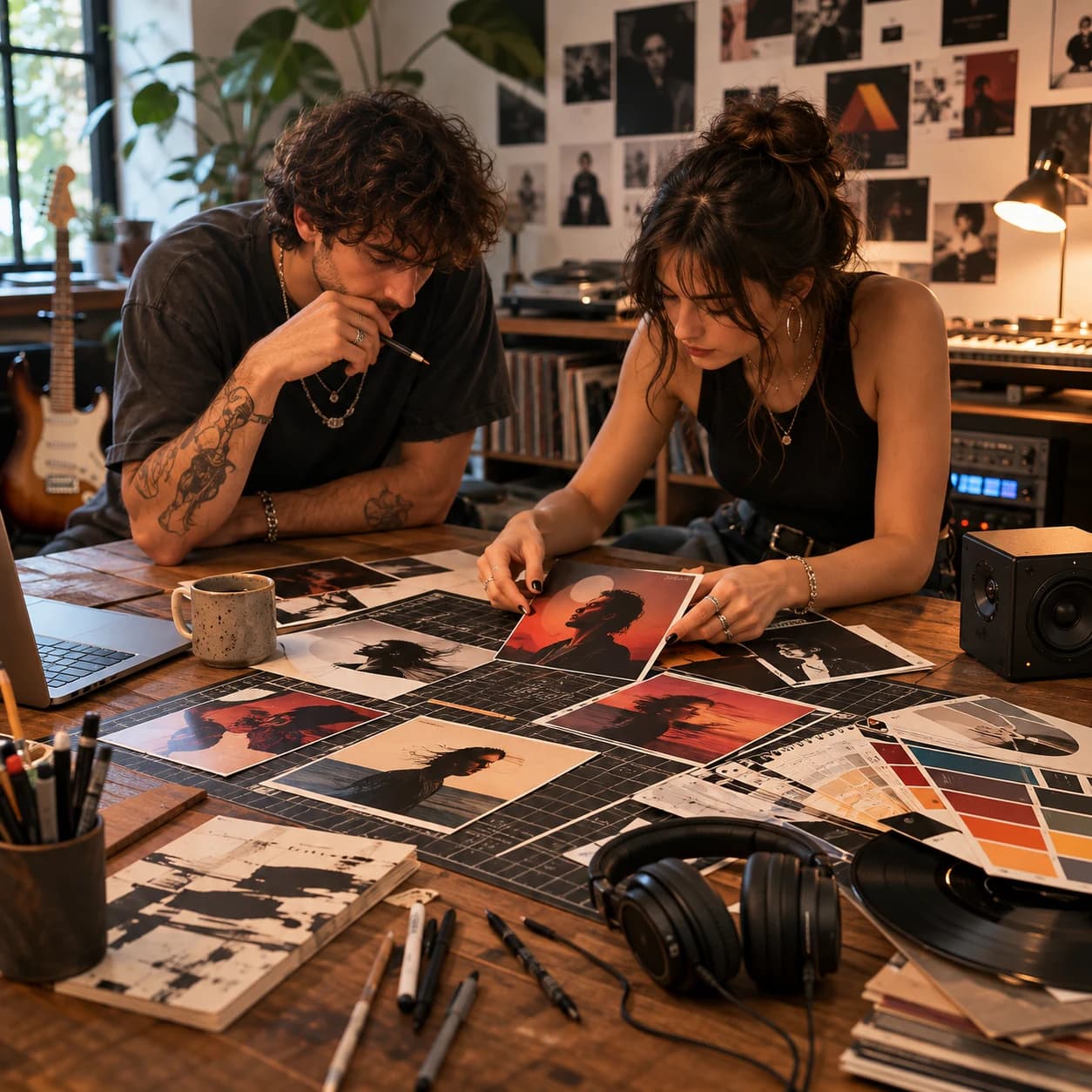
Everything you need for album cover art
From a single song to a release-ready cover, powered by AI.
See what you can create
Ten pro styles, every genre covered.
 Studio Portrait
 Film Photo
 Editorial
 Street Collage
 Neon Cyberpunk
 Retro Synthwave
 Minimal Graphic
 Psychedelic
 Dark Fantasy
 Surreal Dream
How to make an album cover
Three steps, under a minute.
1
Describe or pick a song
Write a prompt, or let AI generate one from your song or uploaded audio.
2
Choose a style & size
Pick from 10 pro styles plus your aspect ratio and resolution.
3
Generate & download
Get your cover in seconds and download it ready for release.
AI vs hiring a designer
Get a pro cover in seconds, not weeks.
Feature
RaoMusic AI
Hiring a designer
Cost
A few credits
$200–$500
Time
Seconds
Days to weeks
Revisions
Unlimited, instant
Limited, paid
Matches your music
Yes, AI-analyzed
Depends on brief
Commercial rights
Yours to use
Varies by contract
Cost
RaoMusic AI:A few credits
Hiring a designer:$200–$500
Time
RaoMusic AI:Seconds
Hiring a designer:Days to weeks
Revisions
RaoMusic AI:Unlimited, instant
Hiring a designer:Limited, paid
Matches your music
RaoMusic AI:Yes, AI-analyzed
Hiring a designer:Depends on brief
Commercial rights
RaoMusic AI:Yours to use
Hiring a designer:Varies by contract
Made for every creator
Whatever you release, get a cover that fits.
Independent musicians
Release singles and albums with pro artwork — no designer budget needed.
Podcasters
Give every episode and show a cover that stands out in the feed.
Content creators
Covers for YouTube music, beats, mixes and social posts.
Playlist curators
Brand your playlists with custom cover art in seconds.
Frequently asked questions
You can try it for free. Generating covers uses credits, and new users get free credits to start — no subscription required.
Yes. Covers you generate are yours to use for your releases, including commercial use on streaming platforms and merchandise.
No. Downloads are clean, full-resolution images with no watermark.
Yes. Covers export as square 1:1 high-resolution images that meet streaming platform requirements, and you're free to use them for your releases.
Choose 1:1 (album standard), 16:9 or 9:16, up to 4K, then download or HD-upscale your favorite.
Yes — select one of your generated songs or upload an audio file and the AI analyzes its mood and genre to craft a fitting cover.
Yes. Add an optional title and artist name and the AI renders them as styled typography on the artwork.
All of them — pop, hip-hop, EDM, rock, lo-fi, R&B, metal, folk and more, with styles tuned to each.
More AI music tools
Make your album cover now
Turn your music into striking cover art in seconds — free to try.