Image to Music AI Generator


What is an image to music generator?
An image to music generator creates an original song from a picture. On RaoMusic, upload up to 5 photos and the AI reads their mood, colors and scene, then writes and performs a matching track, with vocals or as an instrumental. Each run gives you two versions and costs 20 credits on the default model.
Free to start
Free accounts get 50 credits every month, enough for two generations on Rao v1.0. No subscription required.
Commercial use included
Download the MP3 and use it commercially, even on the free plan, under a royalty-free license.
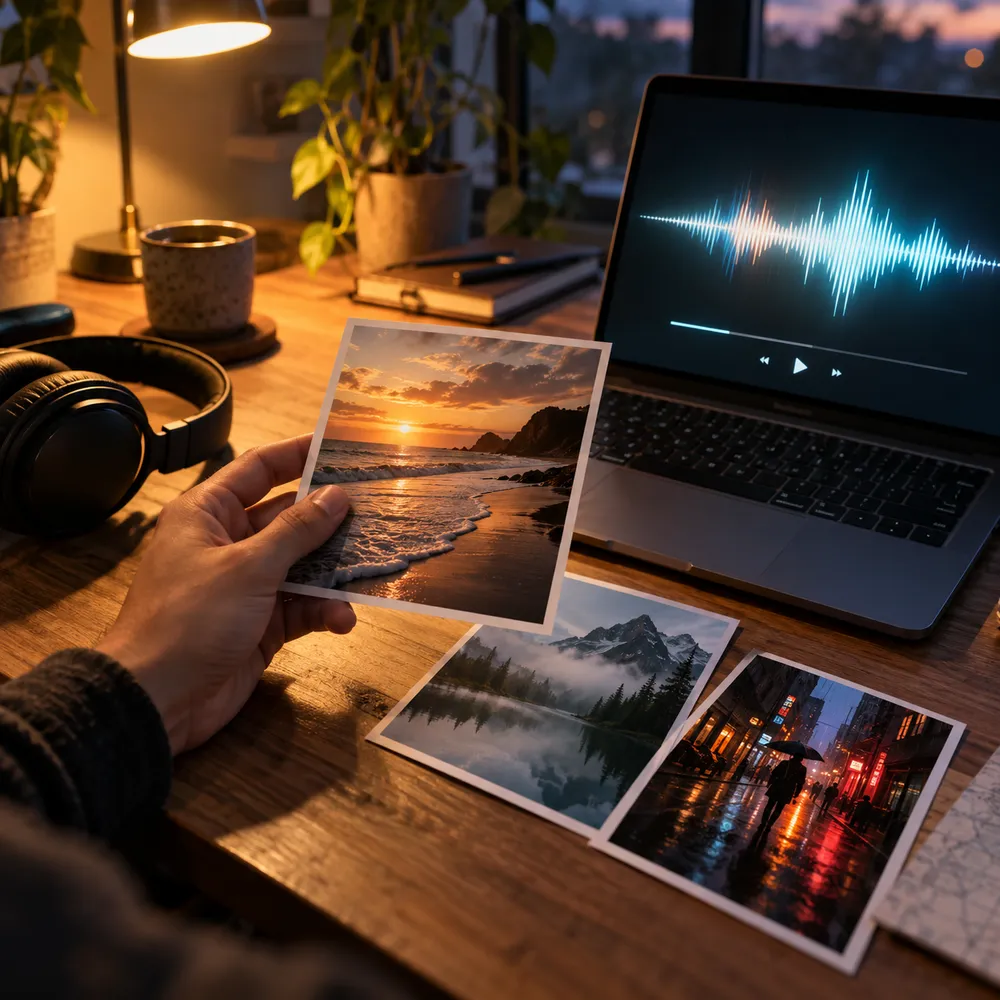
A song that matches the picture
How to turn an image into music
Three steps from photo to song - no music skills needed.
- 1
Upload an image
Add up to 5 photos - landscapes, portraits, product shots, or artworks. JPG, PNG, WebP, or BMP, up to 10MB each.
- 2
Add direction (optional)
Describe the genre or mood, attach your own lyrics, set a style, or switch on instrumental. Or skip this and let the images lead.
- 3
Generate, preview, download
Generate the song, preview it in your library, then download the MP3. Extend, remix, or separate stems from the same track.
Image to Music FAQ
Uploading images is free. You only spend credits when you generate the song: 20 credits on Rao v1.0, which gives you two versions. Premium versions such as Rao v2.0 and Suno v6 cost 30 credits and need a subscription. Free accounts get 50 credits every month, no subscription required.
Upload one or more images and the music model reads their mood, atmosphere, color tone and scene directly, then creates an original song. A text description is optional; add one to steer the genre, mood or instruments. Image input works with the Rao and Suno models in Simple mode, so switch back to them if you've picked another model or Custom mode.
Yes. Alongside your images you can type a description, attach your own lyrics, and set a style. All of them are optional - with images alone, the AI decides the direction from the pictures.
Both. Toggle the instrumental switch for a background track, or turn it off for a full song with vocals. Instrumental tracks work well for videos, games, and slideshows.
JPG, PNG, WebP, and BMP, up to 10MB each. You can upload up to 5 images per song.
It makes a new one. Some photo-to-music tools just pick a stock track to go with your picture. RaoMusic writes an original song based on the image, so the music and, if you choose vocals, the lyrics are created for that photo. Download the MP3 and use it in videos, slideshows or social posts.
Yes. Songs you generate can be used commercially, including on the free plan, in videos, social posts, slideshows and other projects. If you attach a reference video or audio clip, make sure you have the rights to it. See the commercial license page for the full terms.
Yes. You can use up to 5 photos per song, so a photo series or a mood board gets one track in one go. You can also attach one video clip (up to 241 seconds, 100MB) or one audio clip as an extra reference.
Often, yes. With images alone, the AI usually writes lyrics about what it sees - the surfer walking into the waves, the umbrella in the neon rain - and shapes the music around the mood. If you want a different story, describe it or attach your own lyrics.
Related tools
Turn a photo into a song
Upload up to 5 images and generate a track that matches their mood. Add a description or lyrics if you want. Free accounts get 50 credits every month, no subscription required.