AI Christian Song Generator


What is an AI Christian song generator?
An AI Christian song generator turns a Bible verse, a prayer or a theme into a complete song — lyrics, melody, instruments and vocals. On RaoMusic you describe what the song is about, choose a theme such as thanksgiving or healing, pick a style from contemporary worship to southern gospel, and get two versions of a finished song in a few minutes. In the 30 days before October 17, 2026, more than 100 RaoMusic users made over 600 worship, gospel and hymn-style songs.
Free to start
Eligible accounts get 50 free credits every month, enough for two runs. No subscription needed.
Ready for church use
Royalty-free use on every plan: sing it in services, livestream it and post it on YouTube.
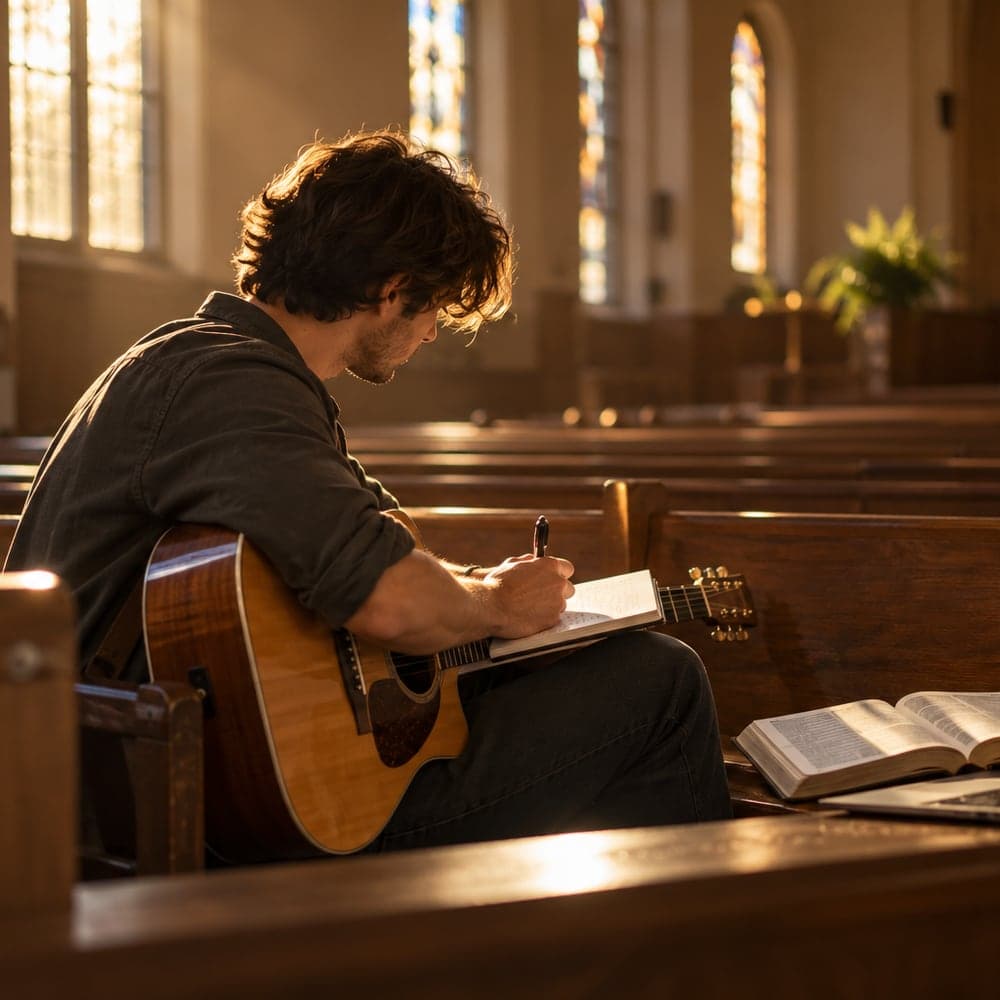
From Scripture to a song you can sing
A Christian song for every season of church life
How to make a Christian song with AI
Three steps from a verse or prayer to a finished song. No music skills needed.
- 1
Enter a verse, prayer or theme
Type the Scripture, prayer or topic at the heart of your song. Add names, a testimony or a sermon title if you like.
- 2
Pick a theme, style and language
Choose praise, grace, Christmas, a funeral and more, then a style like gospel choir or traditional hymn, a vocal and a language.
- 3
Generate, then read every line
RaoMusic writes the lyrics, composes the music and sings it. Read the words against Scripture before you share the song, then download the MP3.
How do you turn a Bible verse into song lyrics?
Put the verse's message into new lines that fit a melody instead of quoting it word for word. RaoMusic's generator does this by default: enter a reference like Psalm 23 and it writes verses and a chorus around what the passage says. Paraphrased lyrics usually sing better and avoid permission issues with modern translations.
If you want exact wording, older translations such as the King James Version are in the public domain in the United States, and the World English Bible is public domain worldwide. Modern translations such as the NIV, ESV and NKJV are copyrighted and set their own rules for quoting them in songs. Check the publisher's permissions page before you use long quotations.
Whatever you choose, read the finished lyrics against the passage. AI can phrase things in ways your church wouldn't, so treat the result as a draft for you, your pastor or your worship team to review.
Sources: the World English Bible's public-domain notice (eBible.org) and the permissions pages of each translation's publisher. Last reviewed October 2026.
Can you use AI-generated songs in church?
Yes. Every RaoMusic plan, including the free one, includes royalty-free commercial use, so your church can sing an original song you generate here in services, project the lyrics, livestream it and post it on YouTube. It isn't in the CCLI catalog, so it doesn't need CCLI coverage. Subscribers can also download a per-track license certificate as proof of rights.
For context: U.S. copyright law (17 U.S.C. § 110(3)) already lets churches perform music during worship services, and a CCLI Church Copyright License mainly covers copying songs from CCLI's catalog, such as projecting or printing lyrics.
Whether you should is a separate question, and Christians hold different views. Many see AI the way they see a hymnal, a guitar or a chord chart: a tool that helps people offer real worship. Others worry that a song made by software can't carry repentance or prayer. A healthy middle ground is to use AI as a songwriting helper, say openly when a song was AI-assisted, and let your pastor or worship team approve the lyrics.
According to the U.S. Copyright Office's January 2025 report on copyrightability, material generated purely by AI isn't protected by copyright; protection depends on a human author's own creative contribution. RaoMusic still grants you broad usage rights, but if you plan to register or publish a song widely, write or edit the lyrics yourself to strengthen your claim.
Sources: U.S. Copyright Office, Copyright and Artificial Intelligence, Part 2: Copyrightability (January 2025); 17 U.S.C. § 110(3); CCLI Church Copyright License terms. Last reviewed October 2026. This is general information, not legal advice.
Christian Song Generator FAQ
Yes, you can try it for free. Eligible accounts get 50 free credits every month. A song costs 20 credits on the default model and gives you two versions, so the free credits cover two runs. If you need more, buy credits as you go. No subscription required.
Yes. Type the reference or the words of the verse, like "Psalm 23" or "Isaiah 40:31", and the AI writes lyrics around its message. It paraphrases by default; if you need exact wording, write the lyrics yourself and use Custom mode.
Christians disagree on this, and it's worth talking through with your church. Many treat AI as a songwriting tool — like a hymnal or a chord chart — that helps people offer genuine worship. Good practice is to review lyrics with your pastor or worship team and be open that a song was AI-assisted.
A CCLI license covers songs in the CCLI catalog. An original song you generate on RaoMusic isn't in that catalog, and every RaoMusic plan includes royalty-free use, so you don't need CCLI coverage to project its lyrics or sing it. If your church has specific licensing policies, check with whoever manages them.
The King James Version is public domain in the US and the World English Bible is public domain worldwide, so you can quote them freely. Modern translations like the NIV, ESV and NKJV are copyrighted and have their own permission rules for song lyrics. The generator paraphrases by default to avoid this.
Yes. Choose from contemporary worship, gospel choir, traditional hymn, modern hymn, acoustic, Christian pop, southern gospel, Christian hip-hop and kids' Sunday school, with a male, female or choir vocal.
Yes. Open the create page in Custom mode, paste your lyrics and describe the style, for example "gospel choir, Hammond organ, joyful". RaoMusic sets your words to music. Describe the sound rather than naming an artist, because artist names are blocked.
Yes. Pick English, Spanish, Portuguese, Korean, Chinese, Japanese, French, German or Vietnamese, or leave it on auto-detect to follow the language you type in.
Yes. Every plan includes royalty-free commercial use, including on YouTube, streaming platforms and livestreams. Subscribers can download a license certificate for each track as proof of rights if a platform asks.
Yes. Download the MP3 on any plan. Subscribers can also export lossless WAV. You can extend the song, edit it, or generate again with a different style.
Want full control over your song?
Turn your favorite verse into a song of worship
Enter a verse, prayer or testimony, pick a style, and RaoMusic writes and sings an original Christian song in minutes. 50 free credits every month, no subscription.