AI Background Music for Video


What is a video to music AI generator?
A video to music AI generator is a tool that creates original background music from a video clip. On RaoMusic, you upload one clip (up to 241 seconds); the AI reads its mood and scenes and returns two versions, instrumental by default. Add a description or style to steer the genre, then download the MP3 for your editor.
50 free credits to start
New accounts get 50 free credits. Each Rao v1.0 generation costs 20 credits and returns two versions. No subscription required.
Commercial use allowed
Use the music in YouTube videos, Reels, ads, presentations, and client work, even on the free plan. You don't own the copyright.
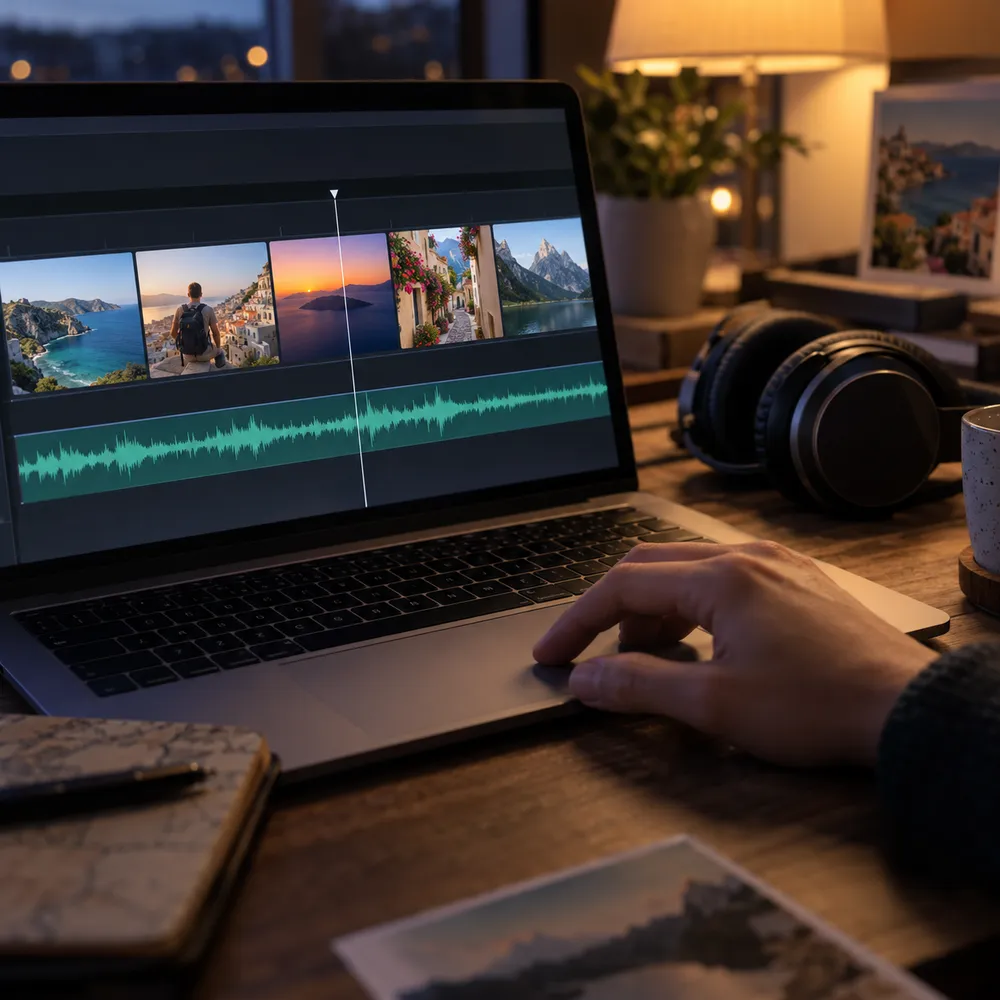
Background music that fits the footage
How to make background music for a video
Three steps from clip to MP3 - no editing or music skills needed.
- 1
Upload your video
Add one clip in MP4, MOV, or WebM, up to 241 seconds and 100MB. For longer videos, export the section you want to score first.
- 2
Add direction (optional)
Describe the genre or mood, set a style, attach a reference image or audio clip, or turn instrumental off for vocals. Or skip this and let the video lead.
- 3
Generate and download
Generate two versions, preview them in your library, and download the MP3. Then place it under your clip in any video editor and trim or fade it to fit.
Video to Music FAQ
Uploading a video is free. You only spend credits when you generate (20 credits for Rao v1.0, which gives you two versions). New accounts start with 50 free credits, no subscription required.
Upload a clip and the music model reads its mood, atmosphere, and scenes directly, then creates an original track. A text description is optional - add one to steer the genre, energy, or instruments. It's an AI background music generator that starts from your footage instead of a blank prompt.
MP4, MOV, and WebM, one clip per song, up to 241 seconds and 100MB. For longer videos, export the section you want to score and upload that.
Yes, by default. The instrumental switch starts on, so tracks sit under voiceover and dialogue. Turn it off if you want a song with vocals.
No. The track length isn't matched to your clip, so trim or fade the MP3 in your video editor to fit the section you're using.
Yes. Generated music can be used commercially, including on the free plan, so you can publish it in YouTube videos, TikTok clips, Instagram Reels, ads, and presentations. You don't own the copyright to the generated music.
Yes. Export your slides as a video or record a short screen capture, then upload it to create background music for a presentation or slideshow. Ask for a calm, instrumental style in the description. You can also skip the video and just describe the mood you want.
It's a video to song generator, not an audio extractor. It doesn't pull the existing audio out of your file - it creates new, original music that fits the footage, ready to add to your video.
Related tools
Generate background music for your video
Upload a clip and generate background music that fits. Instrumental by default, 50 free credits to start, no subscription required.