
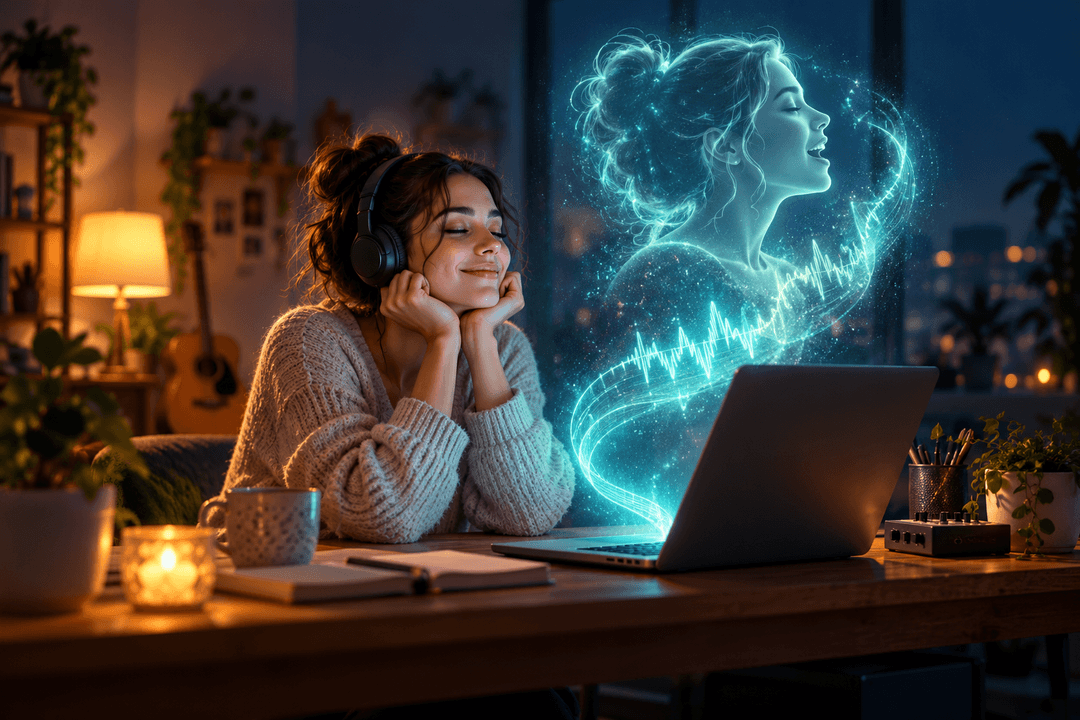
Short answer: To make AI sing a song in your voice, you first clone your singing voice: you give an AI voice model 8–15 minutes of recordings of you singing, and it learns your tone. Then you run a song's vocal through that model, and the AI re-sings it in your voice, usually following the original melody and timing closely. You can do this with an existing song (an AI cover) or with a brand-new song you generate with AI.
This guide focuses on the workflow of using your voice to sing a song: the steps, the settings that matter, what the technology still can't do, and a before-and-after example you can play. For how voice models are trained, see our guide to RVC models; for cover options in depth, see our AI cover song generator guide.
Can AI really sing in your voice?
Yes, with one important limit. Today's voice cloning for singing (usually built on an open-source method called RVC) copies the tone of your voice: its color, texture and character. It does not copy your technique. The phrasing, vibrato, runs and breathing all come from whoever sang the vocal you convert.
So the result sounds like an AI using your voice to sing someone else's performance. For many uses (covers, demos, trying a song in your voice before learning it) that is exactly what you want. If you want your own phrasing too, you still have to sing it yourself.
If you're curious what is happening under the hood, the RVC guide linked above explains the files and the training process in detail.
What you need before you start
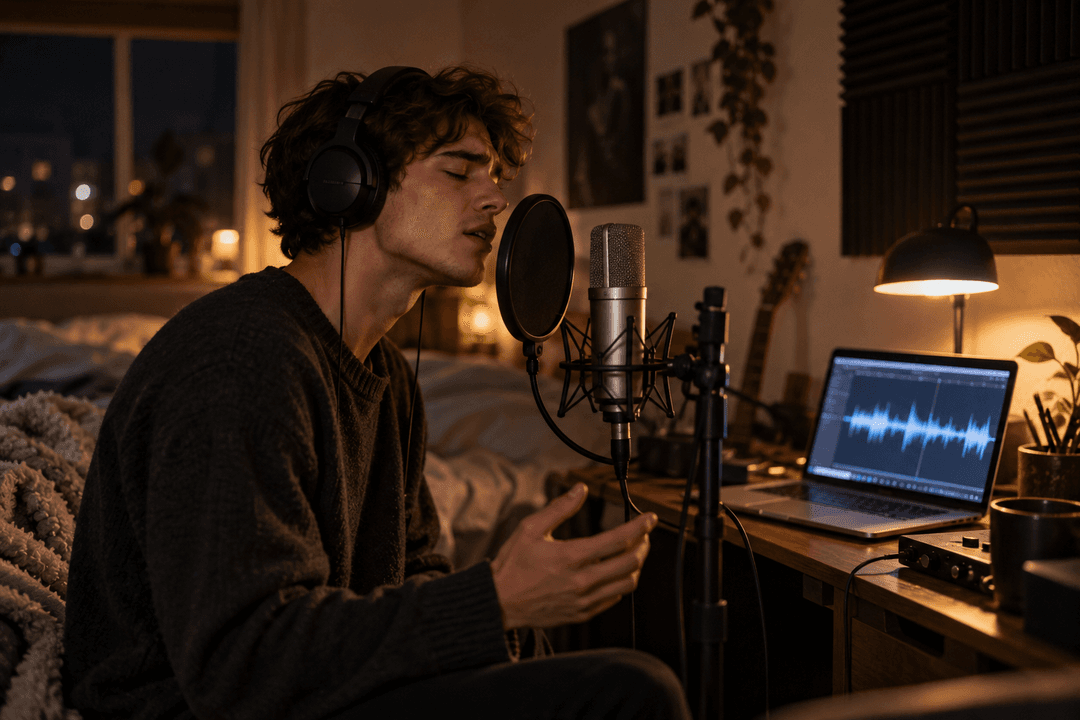
8–15 minutes of you singing. Several songs or takes are fine; they're combined. More variety (low, middle and high notes) helps more than more minutes.
One voice only. No duets, harmonies or featured singers in the recordings.
As clean as possible. Backing music is removed automatically, but heavy reverb, crowd noise or distortion will still leak into the model.
Your own voice, or a voice you have permission to use. You'll confirm this before training.
Phone recordings in a quiet room work. A dry, close-mic recording works better than a polished, reverb-heavy mix.
Step 1: Clone your singing voice
On RaoMusic's AI voice cloning:
Name your voice and add a cover image.
Add your recordings. Upload several files at once or pick songs from your library. You can preview each clip before training.
Pick a training quality. Standard (50 epochs, 150 credits) is usually enough. High (100 epochs, 250) and Max (150 epochs, 350) take longer for a small improvement.
Confirm it's your voice and start. Backing music is removed, silence is trimmed, and the model trains automatically in about 15–40 minutes. You can close the page.
If less than 3 minutes of clear singing is left after the music is removed, or training fails, the credits are refunded automatically. When training finishes, a short sample is sung in your new voice so you can hear how close it is.
Step 2: Choose the song you want to sing
You have two options:
An existing song. Most songs in your library work, including ones you upload, up to 10 minutes long. This is an AI cover in your voice.
A brand-new song. Generate an original song with the AI song generator, using your own lyrics if you like, then convert its vocal to your voice in the next step. It's a practical way to get an original track that sounds like you singing, without recording a full vocal.
Pick songs in a range similar to your own recordings. A model trained on a low, warm voice will struggle to sound natural on a soprano melody.
Step 3: Re-sing it in your voice
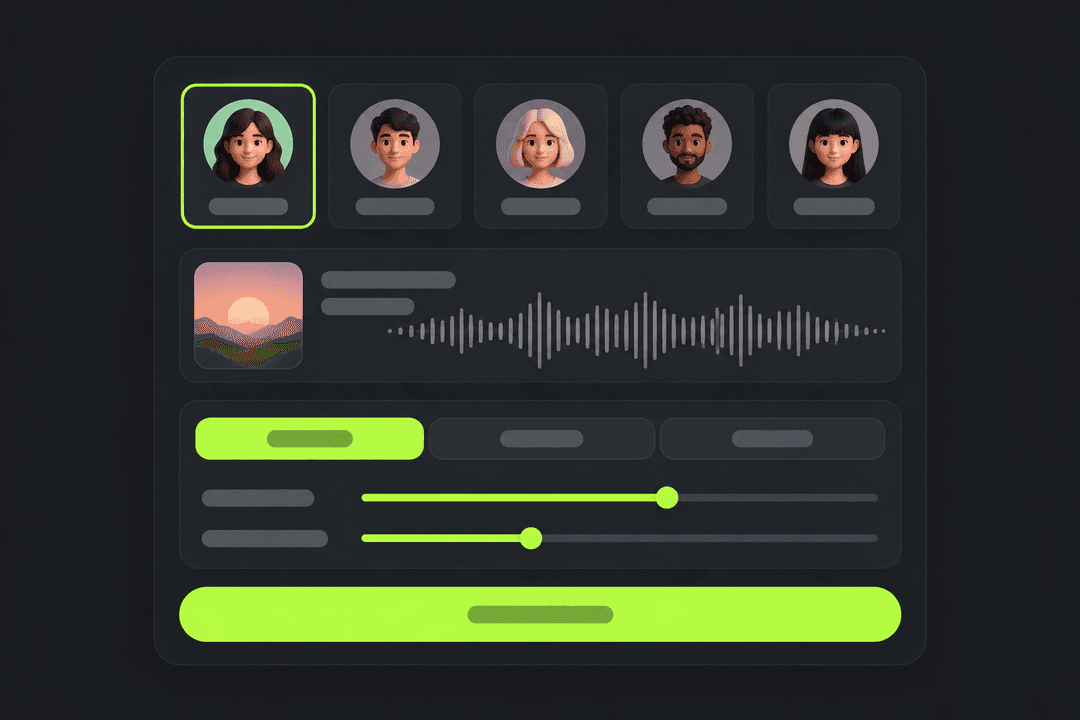
Open the AI cover song generator, choose your voice under "My voices", add the song, and generate. Covers cost 10 credits per minute of audio and usually take a few minutes.
Three settings are worth knowing:
| Setting | What it does | When to change it |
|---|---|---|
| Pitch | Three presets: No change, or shift the vocal up or down an octave with "Male to female" / "Female to male" | Try a shift when the source singer's register is far from yours; it won't fully fix a melody that is out of your range |
| Voice strength | How strongly the output is pulled toward your trained voice | Raise it if the result still sounds like the original singer; lower it if you hear metallic artifacts |
| Vocal clarity | How much of the original breath and consonants is kept | Lower it for a cleaner, more "converted" sound; raise it if words sound slurred |
The default settings are a good first try. Change one thing at a time so you can hear what each setting does.
Hear an example: before and after
We cloned our virtual singer JUNO from about 15 minutes of her songs, then had the clone sing a song she never recorded. Listen to her training audio first, then the same chorus sung by the original singer and by the clone:
JUNO singing her own song (training audio)
"Hoax", original singer
"Hoax", sung in JUNO's cloned voice
Notice that the cover keeps the original phrasing and melody, while the tone moves toward JUNO. That is what to expect from your own voice too. Both singers and both songs in this example are AI-generated and were made by us, which is why we can share them here; a human voice will behave similarly but not identically.
How to make an original song in your voice
If you want a song nobody has sung before, combine the two tools:
Write or generate lyrics. Bring your own, or draft them with an AI lyrics tool.
Generate the song. In the AI song generator, choose a vocal type close to your own (for example, a male voice if you sing low), describe the style, and generate. Pick the take whose melody you like.
Convert the vocal. Run that song through the cover generator with your cloned voice.
The melody and phrasing come from the generated singer, and the tone comes from you. For the most natural result, ask for a vocal range and style you could plausibly sing yourself.
Tips for a better result
Match the range. Most "it doesn't sound like me" results come from songs far above or below your natural range. Try the pitch option or pick a different key.
Fix the training audio, not the settings. If every cover sounds muddy, the recordings probably had music, reverb or another voice in them. Retrain with cleaner clips.
Start from a clean source vocal. Songs with heavy effects, layered harmonies or rap ad-libs convert less cleanly than a single clear lead vocal.
Don't expect your technique. If you sing with lots of vibrato and the original singer doesn't, the cover won't have it.
What AI voice cloning can't do yet
Learn your style. It changes tone, not phrasing, accent in singing, or vocal tricks.
Fix out-of-range songs perfectly. Very high or very low notes outside your training audio often sound strained.
Separate perfectly. Background vocals in the source song can come through in your voice or as artifacts.
Replace a real performance for release. For a final release, many artists still record the lead vocal themselves and use clones for demos and experiments.
Is it legal to make AI sing a song in your voice?
Cloning your own voice is the low-risk case, though you should still follow each platform's rules on AI and synthetic voices. Using someone else's voice without permission is different: it can raise consent, right-of-publicity and platform-policy problems, and some places now have laws aimed specifically at voice cloning, such as Tennessee's ELVIS Act. Only clone voices you own or are allowed to use.
The song is a separate question, with two layers of rights. The composition (melody and lyrics) belongs to the songwriter and publisher, and an AI cover built on an existing track also reuses the original recording's instrumental, which belongs to whoever owns that master. Sharing or releasing such a cover publicly can need permission for both, and platforms can flag it. Our guide to making an AI cover song legally goes through the options. Original songs you generate yourself avoid most of these issues.
Frequently Asked Questions
Yes. You train an AI voice model on 8 to 15 minutes of your own singing, then run a song's vocal through it. The AI usually follows the melody and timing and shifts the singer's tone toward yours.
RaoMusic asks for 8 to 15 minutes in total so that at least 3 minutes of clear singing remains after the backing music is removed. Variety across your range matters more than length.
About 15 to 40 minutes of training, depending on the quality you pick and how much audio you upload. Each cover afterwards usually takes a few minutes.
Yes, that is the point of a voice clone. Pick a song from your library, or generate a new one, and convert its vocal to your voice in the AI cover song generator.
No. Voice cloning copies your tone, not your technique. The phrasing, vibrato and runs come from the original singer of the song you convert.
Yes. Generate an original song with the AI song generator, then convert its vocal with your cloned voice. You only need to record the training audio once.
No. Training a voice model costs 150 to 350 credits depending on quality, and each cover costs 10 credits per minute. If training fails, the credits are refunded automatically.