Background Music for YouTube Videos


What Is an AI YouTube Music Generator?
Create original background music for YouTube videos and vlogs. Describe the mood you want, from quiet narration to an energetic intro, and get a track with royalty-free commercial usage rights. No subscription required.
Free to Start
Get 50 credits every month with no subscription or auto-renewal.
Commercial use included
Create original songs with royalty-free commercial usage rights. No subscription required.
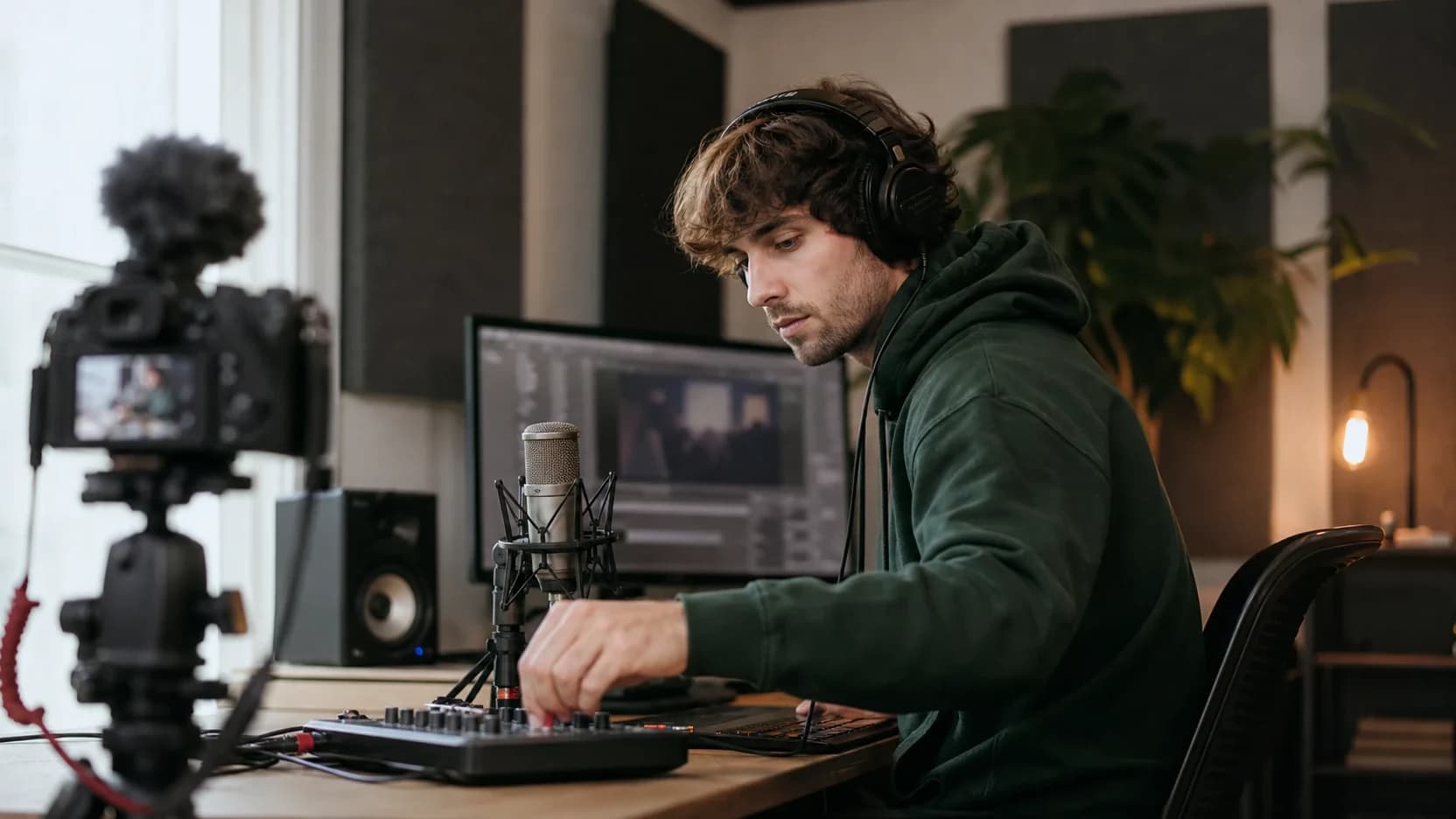
Why creators use RaoMusic for YouTube
Music shaped by your video
Describe the mood, instruments and energy you want, from a quiet bed under narration to a lively intro.
Royalty-free commercial license
You get full commercial rights without a subscription to use the music in monetized videos, ads, and sponsored content.
Ready in under a minute
Describe the vibe and get a finished, narration-friendly background track fast — no music skills needed.
Background music for monetized YouTube videos
For YouTube, choose music that supports your narration or gives your intro a clear identity. Music generated for your project gives you a soundtrack shaped by your own description. The commercial license covers monetized videos and client work without a subscription. Platform copyright checks can still occur, so review the finished track, respect third-party rights and follow the rules of the service where you publish.
For talking-head, tutorial, and vlog content, the music's job is to sit under your voice without competing with it. Describe a calm, low-energy, instrumental mood and keep the track sparse — light piano, soft pads, or a gentle lofi beat all duck nicely beneath narration. For intros, b-roll, and montages you can push the energy up. Each generation gives you a full-length track you can trim or loop to match your edit, so a single prompt can score an entire video.
Example prompts to try
Paste one into the box above and tweak it from there.
upbeat acoustic background music for a vlog, light percussion, warm and friendly, no vocals
calm ambient background music for a tutorial, soft pads, unobtrusive, instrumental
energetic corporate background music for a product video, motivational, clean, instrumental
How to Make Music with AI in 3 Steps
Go from idea to finished AI-generated song in three steps — no music experience needed.
- 1
Describe Your Music
Type a text prompt, paste your lyrics, or pick a style and mood. Tell the AI song generator what kind of music you want to create.
- 2
Generate Your Song with AI
Rao AI creates one or two original song variations in about a minute, depending on the selected engine. Preview the results and pick your favorite.
- 3
Download and Use Anywhere
Download MP3 on any plan. Lossless WAV, stems, and MIDI exports require an active subscription. Use your music in YouTube videos, podcasts, TikTok, ads, games, or other projects under the applicable license.
YouTube Background Music FAQ
RaoMusic generates a new track from your description and includes royalty-free commercial usage rights without a subscription. This does not guarantee that a platform will never flag, mute or claim a track. Check the platform’s rules and the rights to any material you add.
RaoMusic’s commercial license covers monetized videos, podcasts, ads, games and client projects without a subscription. You do not owe ongoing per-use or per-view royalties to RaoMusic. Platform rules and third-party rights still apply.
Calm, low-energy instrumental tracks sit best under narration because they fill the space without pulling attention away from your words. Toggle instrumental on and describe a mellow, sparse mood — soft piano, ambient pads, or light lofi work well for talking-head, tutorial, and explainer videos. Save busier, higher-energy tracks for intros and b-roll where there's no voiceover to compete with.
Match the music to your video length — most creators loop or trim a single track to fit. Each generation gives you a full-length track, so for a 10-minute video you can loop a calm bed underneath, while a 30-second short might only need a trimmed section. There's no fixed rule; generate once and reuse the track across the whole edit.
No attribution to RaoMusic is required, whether or not you subscribe. You can credit RaoMusic if you wish.
None at all. Just describe the mood in plain language — upbeat, calm, cinematic, lofi — and the AI composes a finished, mixed track for you. You don't need to read music, play an instrument, or use any production software; the whole process takes under a minute from prompt to download.
Related music generators
Make music for your next YouTube video
Create an original track for your project, with royalty-free commercial usage rights included. No subscription required.